Recipe: discounting a few products for a week
Goal: 5% off a chosen set of products for one week, without a coupon code.
-
Go to Advanced Discounts -> Discounts and click New discount. Name it “Tee Week”.
-
Under Global Cart Conditions, add a Date Range covering the week. To is inclusive, so August 1 to August 7 runs the full seven days.

-
Give the group a Discount Name, “5% off tees”.
-
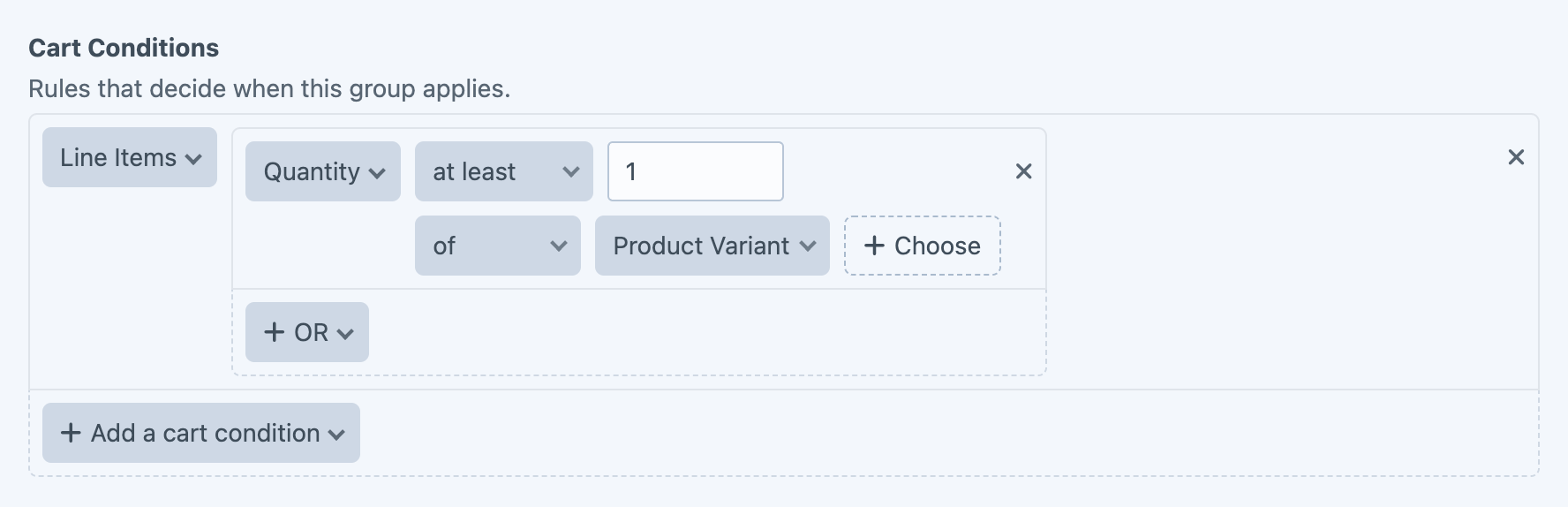
Under Cart Conditions, add Line Items. It starts with a Quantity rule.
-
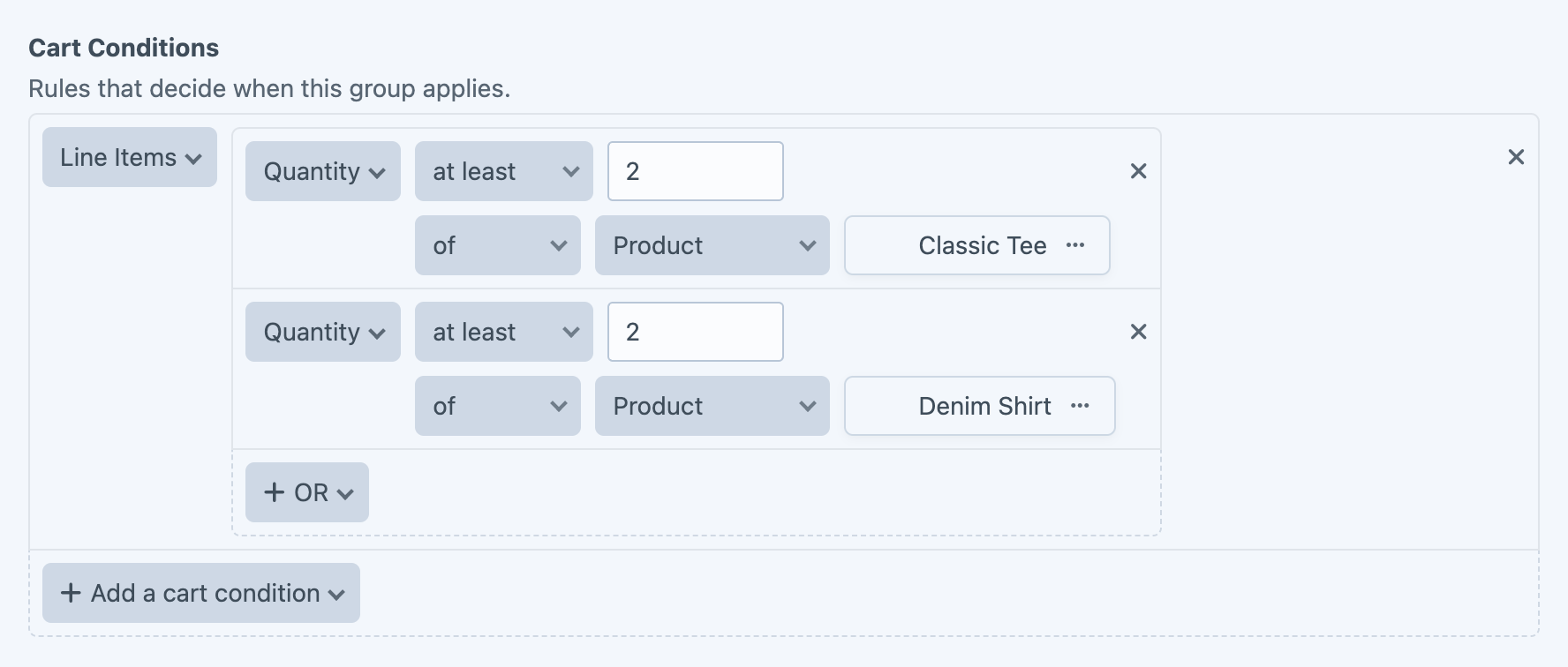
Set the rule’s type to Product, click Choose, and pick a product. To apply the discount only once the customer has 2 or more of the item, set the quantity to 2.
-
For each other product you want to include, click OR and pick it.
-
Under Cart Actions, add Line Items. Set Apply to to Same line items as cart conditions, choose Discount a percentage, and enter 5. The action discounts the products the conditions matched, so you name the products once.
-
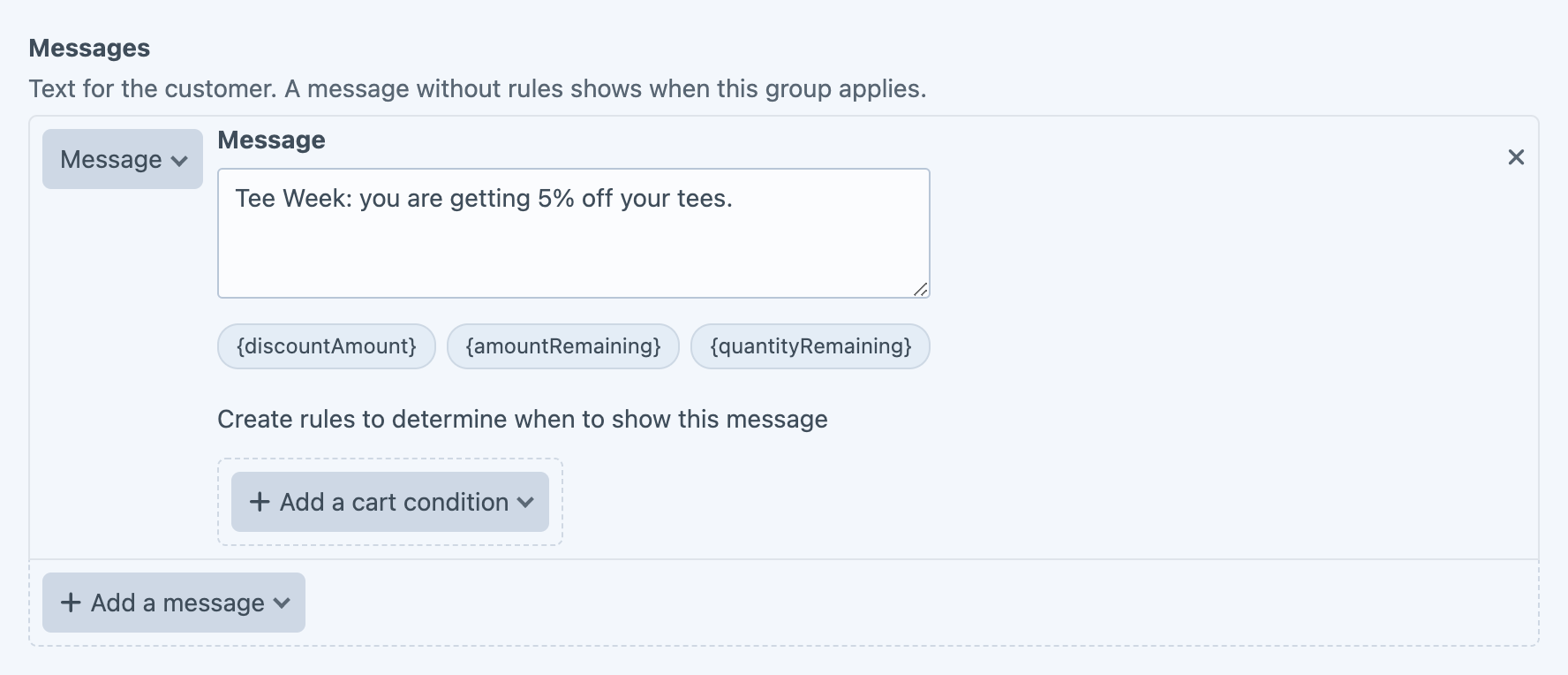
Add a message so the customer sees the discount in the cart.
-
Click Save discount.
Where to go next#
- Cart conditions, the full set of condition rules.
- Excluded variants, why a selected product might not be discounted.